

CKK Leadership and Advisory
Business & professionalVisit site (CKK Leadership and Advisory, opens in a new tab)
Professional firms
Secure email, controlled document sharing, files organised by client, protected devices and a website that reflects the standard of your advice.

Law firms, accountants and auditors, consultants, research firms, HR and advisory practices, insurers and brokers all sell expertise and judgement. Their clients hand over confidential information and expect the firm to protect it. Clients judge a firm’s professionalism by small signals long before they see the quality of its advice. They notice the website, the email address, how the firm shares documents and how quickly someone replies.
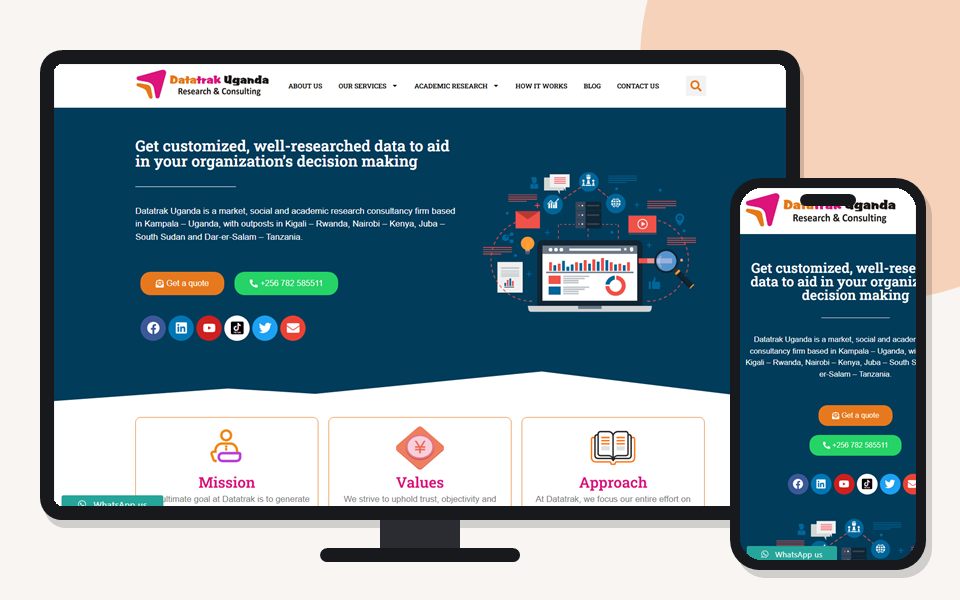
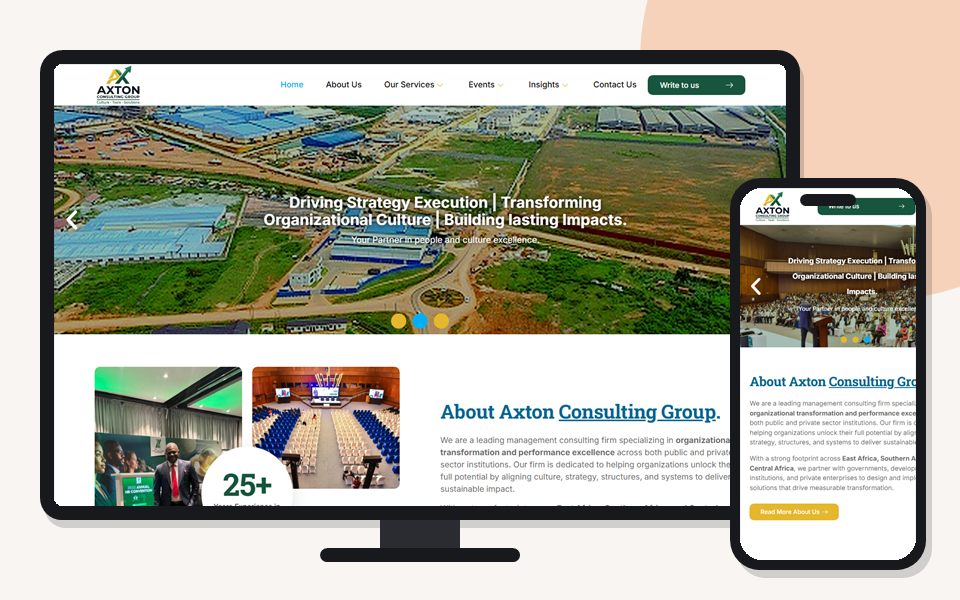
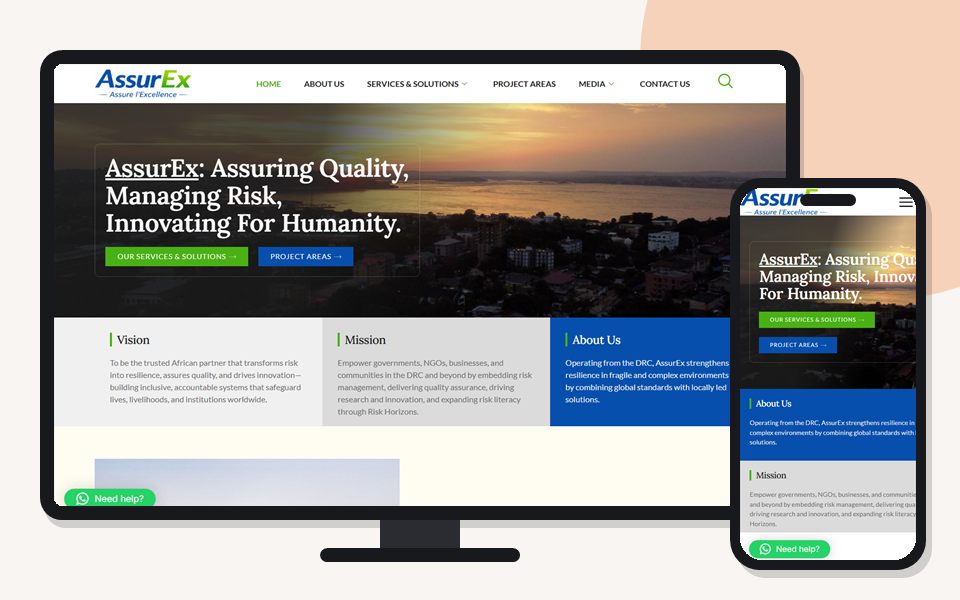
Generation Solutions works with consultancies, research and data firms, leadership and HR advisers, logistics and brokerage firms, assurance and technology consultancies. This page explains how professional firms can use technology to protect client confidentiality, present themselves credibly and work efficiently.
Client documents, financial records and correspondence protected from loss, theft and accidental disclosure.
A website, email and documents that match the standard of the advice you give.
Billable professionals spending time on clients, not on fighting computers.
Organised, searchable files and email that survive staff changes and support audits.
Prospective clients, partners and recruits check your website before engaging. A professional firm’s site should present services and sectors clearly, introduce partners and key staff with genuine credentials, show insights or publications that demonstrate expertise, and make contacting the right person easy. Generic stock photos and vague claims undermine credibility; real team photos and specific, verifiable information build it. See website design services.

Email is where most professional firms conduct business — and where most security incidents start. Business email on your own domain, consistent signatures with name, title and contact details, shared mailboxes for general enquiries, and multi-factor authentication on every account are the baseline. SPF, DKIM and DMARC records make it much harder for criminals to send convincing fake invoices in your name. See business email hosting and Microsoft 365.
Sending confidential documents as email attachments to personal addresses, or sharing them over WhatsApp, creates copies you can’t control. Better practice:
Firms that organise files by individual staff member struggle when people are away or leave. Organise files by client and engagement, with standard folders for correspondence, working papers, deliverables and billing. Then anyone authorised can find what they need, and you can limit each matter to its team. Your records are also ready for audits and quality reviews. We design and migrate to this structure in Microsoft 365 or similar platforms.

Not every staff member should see every client’s files. Role- and matter-based permissions, regular access reviews, and prompt removal of access when people leave or change teams protect confidentiality. For firms handling conflicting interests, separating access to sensitive matters provides a practical information barrier.
Professionals work at client offices, courts, airports and home. Encrypt laptops, protect them with strong sign-in and screen locks, and set them to save files to backed-up storage. Phones that access firm email should have a PIN and the ability to remove firm data if lost. We standardise devices so they’re consistent, supportable and secure.
| Risk | Control |
|---|---|
| Invoice and payment fraud by email | MFA, email authentication records, payment verification by phone |
| Stolen or lost laptops | Encryption, strong sign-in, files in backed-up cloud storage |
| Former staff with access | Central accounts and same-day offboarding |
| Phishing | Staff awareness and filtering where available |
| Ransomware | Updates, antivirus, limited admin rights and tested backups |

Professional firms process personal data about clients, their employees and counterparties, and must comply with Uganda’s Data Protection and Privacy Act, 2019 and professional confidentiality rules. We help implement the technical side — access control, encryption, retention settings, secure sharing and documentation of measures. Legal interpretation and compliance sign-off remain with your firm and its advisers.
Teams for internal coordination and client meetings, shared calendars for scheduling and co-authoring documents without endless email versions save hours each week. Set up properly — with guest access for clients where appropriate and clear rules for where final versions live — these tools reduce errors as well as time.
Articles, briefings and research summaries demonstrate expertise and attract searches from potential clients. A simple publishing workflow on your website, with authors credited and topics organised, makes it easy to share regularly. Publications should be original and accurate; copied or thin content does more harm than good. See SEO services.

Time recording, billing and accounting software are central to professional practices. We support the environment around them: computers, network, access and backups. When you choose new systems, we help by asking vendors the right questions about hosting, data ownership, security and support.
Talented graduates and experienced professionals research firms online before applying. A careers page with genuine information about the firm, its work and its people, plus a clear application route, supports recruitment. Your website, LinkedIn presence and staff profiles should tell a consistent story.
Associates, trainees, consultants and partners join and leave regularly. Each change is a confidentiality event. New joiners should receive individual accounts, access to the matters they work on and a short briefing on secure working on day one. Leavers should lose access on their final day, with their mailbox and files preserved for the firm and transferred to whoever takes over their clients. A written checklist, applied every time, prevents the common situation where a former employee still receives client email months later.

Professional firms must often keep records for set periods and then dispose of them securely. Archive closed matters in a predictable place, restrict access and note retention dates. Don’t leave them scattered across active folders and personal mailboxes. Email archiving and retention settings in platforms such as Microsoft 365 can support this. Your firm’s policies determine the periods; we configure the technology to follow them.
Firms that exchange documents with clients frequently — accountants collecting records, lawyers sharing drafts, consultants delivering reports — benefit from a dedicated, secure space per client. Shared libraries with guest access, or a client portal provided by practice software, let clients upload and download documents without email attachments. Access is limited to named people and can be removed when the engagement ends.
If the office internet fails during a filing deadline, or a partner’s laptop is stolen the day before a board presentation, the firm must keep working. Files saved to cloud storage, a backup internet connection, spare equipment and documented recovery steps turn potential crises into inconveniences. We help firms write and test a short continuity plan.

Many professionals now split time between the office, client sites and home. Cloud file access, Teams, secure sign-in and properly configured laptops make that safe and productive. Rules matter as much as tools. Keep client files off personal home computers, and avoid confidential calls in public places. Lock your screen when you step away, and protect home Wi-Fi with a strong password. A one-page hybrid working guide for staff is quick to produce and prevents many avoidable risks.
Clients, regulators or software vendors sometimes audit firms. Unlicensed software is both a legal risk and a security one, because pirated copies don’t get updates and often carry malware. Keep a simple register of the software you use, who holds each licence, renewal dates and costs. It makes audits simple and budgets predictable. If cost is a concern, we suggest legitimate alternatives instead of leaving the firm exposed. Options include subscription plans, tools already bundled in Microsoft 365, or reputable free software.

Understand your practice, clients, systems and risks, under appropriate confidentiality.
Security and confidentiality fixes first, then efficiency and presentation.
Email, file structure, access control, devices and website.
Practical sessions for partners and staff on secure working.
Ongoing support and periodic access and security reviews.
Share how many staff you have, how you exchange documents with clients and which systems you rely on. We will review security, email, document sharing and your website, and recommend a setup that protects confidentiality without slowing your team down.
Through secure, permission-controlled links rather than attachments to personal email or WhatsApp, with expiry dates for sensitive material.
Yes. It is one of the most effective protections against email compromise and invoice fraud, and it is quick for staff to use once set up.
Yes. We design a client-and-matter structure and migrate existing files into it.
We implement and document technical measures; legal compliance decisions remain with your firm and its advisers.
Yes. We work under appropriate confidentiality and can sign a non-disclosure agreement where required.
Yes, with a simple publishing workflow your team can use, so partners can share briefings and commentary without needing a developer.
Central accounts and a same-day offboarding checklist that disables sign-in, removes access to shared libraries and preserves their mailbox for the firm.
Portfolio

Hello 👋 How can we help today? Pick a topic or type a message, then continue in WhatsApp.
Opens WhatsApp in a new tab to chat with +256 789 154 000.